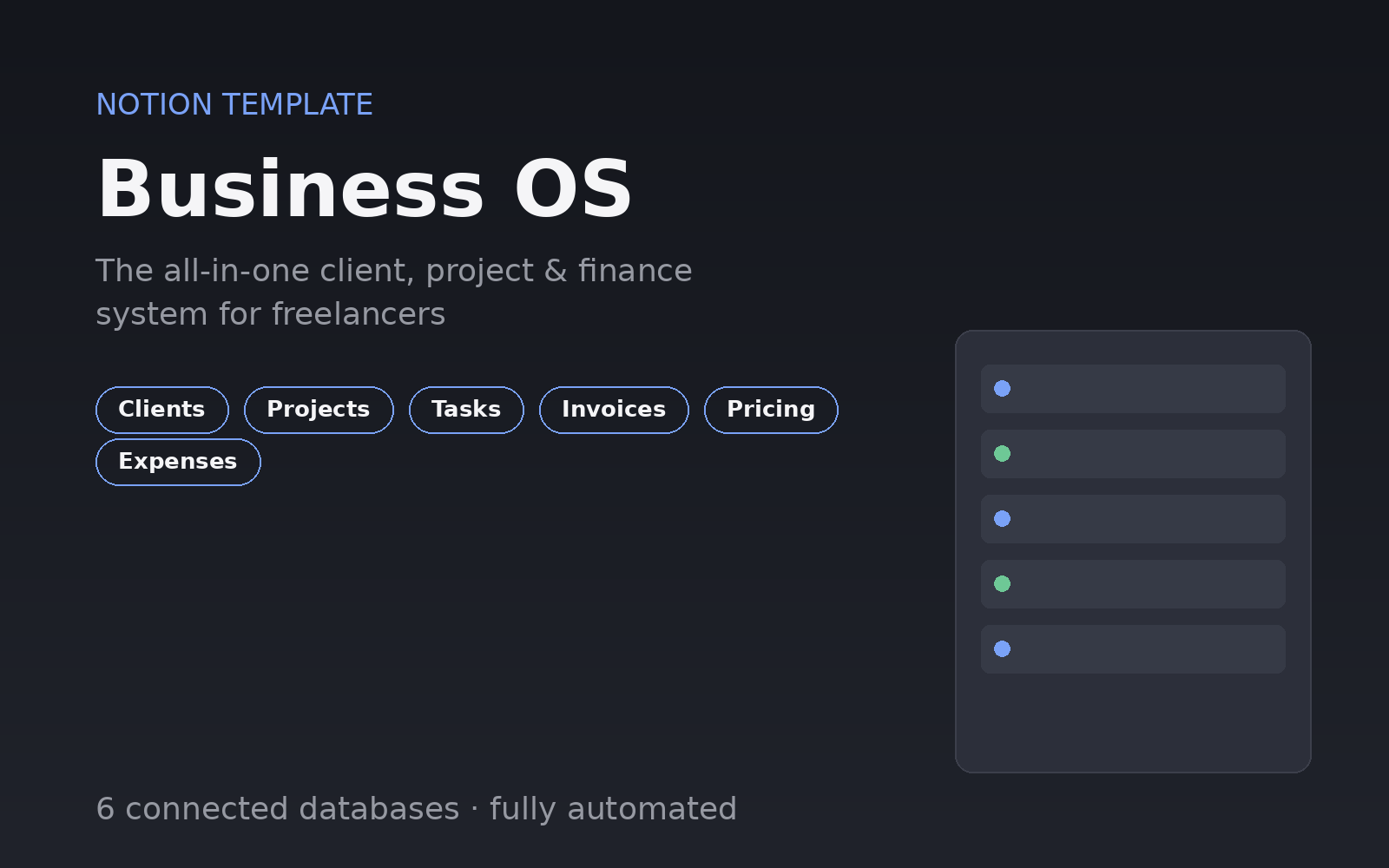
Description
Business OS: The Freelance Command Center That Runs Your Business While You Do the Work
One connected Notion system for clients, projects, tasks, invoices, pricing, and expenses — built so your numbers calculate themselves and nothing falls through the cracks again.
You didn’t become a freelancer to spend your evenings copy-pasting client names between five different tabs, guessing which invoice got paid, or realizing at tax season that you have no idea what you actually spent on tools this year.
But that’s exactly where most solo freelancers end up — a patchwork of notes apps, spreadsheets, and sticky notes held together by memory. It works, until it doesn’t. Until you miss a follow-up on an unpaid invoice, double-book a deadline, or lose track of which project a client conversation was even about.
Business OS is the fix. It’s a single, pre-built Notion workspace where every part of your business — who you work for, what you’re working on, what’s owed to you, what you’re spending — lives in one place, fully connected, fully automatic.
What’s Inside
→ Clients — every contact, status, and lead source in one database, with total revenue and project count calculated automatically as you work.
→ Projects — linked directly to clients, with budgets, invoiced totals, and remaining balances that update themselves — no manual math, ever.
→ Tasks — a clean Kanban board plus a dedicated “Priorities Now” view that filters down to exactly what’s unfinished, sorted by urgency, so you always know what to do next.
→ Invoices — auto-numbered and linked to the right client and project, with a built-in unpaid-invoices view so late payments never slip your mind again.
→ Services & Pricing — your standing rate card. Set your prices once, and every quote you prepare pulls from the same source — no more re-deciding what to charge every single time.
→ Expenses — track real costs against real revenue, so you know your actual take-home profit, not just what happens to land in your account.
Why It’s Different
This isn’t a generic template with empty tables. Every database is already wired together — add a client once, and their name, their projects, and their invoices connect automatically across the entire system. No duplicate data entry. No formulas to build yourself. No guesswork.
Set it up in under ten minutes. Use it for years.
Who This Is For
Freelancers, consultants, and solopreneurs juggling multiple clients who are ready to trade scattered spreadsheets and sticky notes for one command center — without needing to learn how to build a Notion system from scratch.
Common Questions
“I already sort of have a system.”
Most freelancers do — until a client asks for an update and it takes fifteen minutes to find. Business OS isn’t about starting from zero; it’s about finally having everything in one place that doesn’t require you to remember where you put it.
“I’m not a Notion power user.”
You don’t need to be. Business OS is ready to use the moment you duplicate it. No setup, no formulas, no learning curve — just start adding your clients.
“Is this worth it for a one-person business?”
Especially for a one-person business. You’re the only one keeping track — which is exactly why the tracking should be automatic.
Every hour spent hunting for a client’s project details, or chasing an invoice you forgot to send, is an hour not spent doing the work that actually pays you.
Business OS gets that hour back — starting today.
One payment. Lifetime access. Yours to keep, use, and customize for as long as you’re in business — no subscriptions, no renewals, no expiration date.
Licensing: Each purchase is a single-user license. You’re welcome to customize it freely for your own personal or commercial use — this copy just isn’t for resale or redistribution.
Reviews
There are no reviews yet.